Technical Designer
Overview
Designed and developed multiple projects about creating levels that teach trainees how to operate, give maintenance, assemble and disassemble a high precision device or machine. This was done in a VR Online Multiplayer environment where there could be 1 trainee and 1 teacher or more than 50 people in one session.
During my time at the company I worked as a Technical Designer for 2 years. After receiving around 5 days of on-boarding, I was put into a project alongside other developers and managed successfully to adapt to the company’s tools and framework. During this time, I worked in 5 projects from beginning to end, some simultaneously.
My main responsibilities in the company were based around support for the design team and quickly create prototypes of games mechanics that helped experiences reach their goal of successful training scenarios. Also, document all the mechanics and processes created for future projects.
Loved collaborating with different teams and people from Designers, Engineers, Artists, Managers and Producers. I helped establish development strategies and time estimates.
Company:
realworld one (learn more here)
Roles:
Technical Designer
Unreal Engine Developer
Platforms:
PC, Meta Quest
Tools Used:
Unreal Engine
Miro (Design Management)
Perforce (Version Control)
Confluence (Documentation)
Jira (Project Management)
Azure Pipeline
Duration:
2021 – 2023
Team Size:
10+ (per project variation)
Develop game mechanic prototypes
Worked very closely with Designers to create the necessary game mechanics that would teach a Player how to use a tool properly. This was a process of iteration where we would meet, discuss, prototype and feedback.
Online Multiplayer Environment
All experiences were build with a Client/Server framework using Unreal Engine’s tools. This meant that the design of the experiences needed to take into account progression for a Client and progression for everyone and choose what to show to everyone and what is only important to the Client.
Technical Documentation
For every new feature created and improvement for existing features, it was very important to include or update documentation for it. This played an important part for reusability in future projects and also teaching new team members.
Cross-Team Collaboration
Communication with Producers, Managers, Artists, Engineers and Designers was super important. This would decide the development strategy for the timeline of the project. What tools can we reuse, what new tool is fundamental to the storyline and solve out-of-scope issues. This would help keep everyone informed and give time estimates.
My Role & Ownerships
Designing an improved learning experience
Learning new abilities to the next level.
The creation of a training scenario in a Virtual world should be as close as possible as the real thing. My role was to make it feel good and make it a memorable experience, so that the training actually worked and the Player is able to do it in real life.
Here are the game mechanics and systems I worked on that helped achieve this goal:
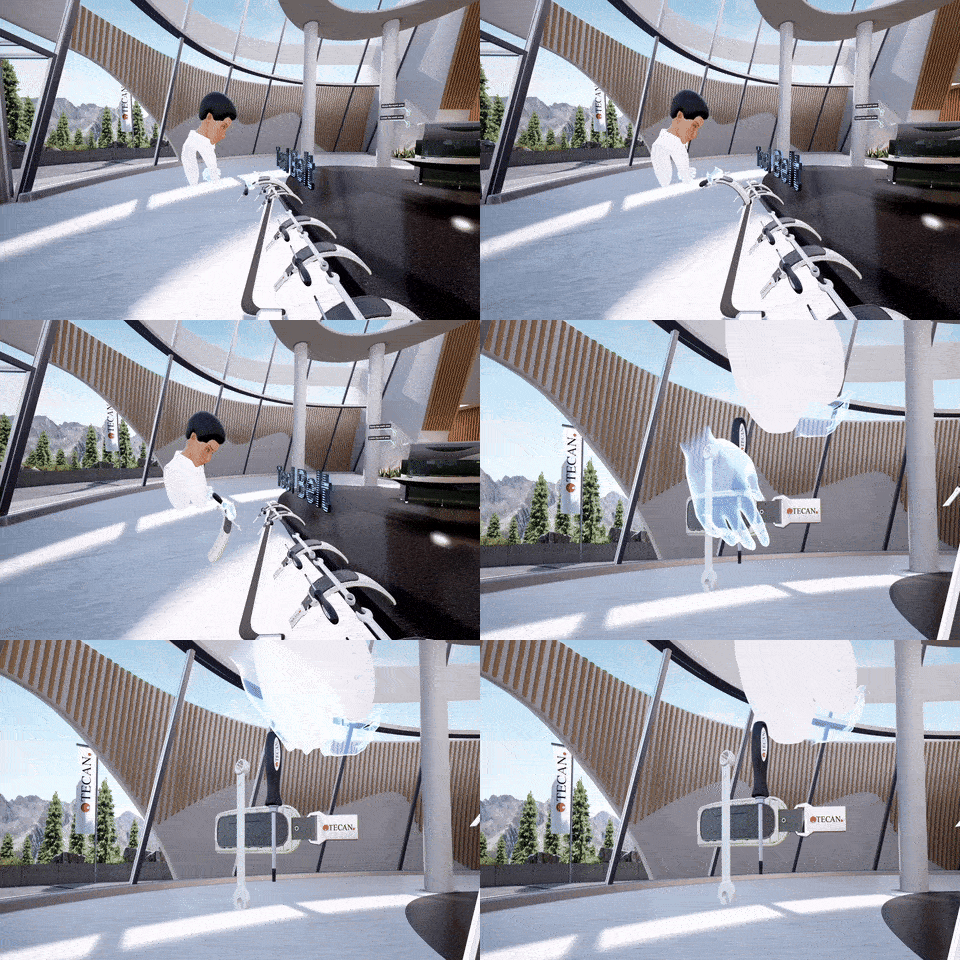
- 3D Inventory
Inventory System that went through multiple prototypes and iterations with the Design team. This allowed the Player to have a tray with all necessary tools for the training. This could be grabbed from a distance and placed floating in any spot. Tools would also return to the tray after not in use.
This helped a lot reducing the frustrating with finding tools or walking far just to grab the tray.
Also, with guidance enabled, the required tools would be highlighted. - Real Software simulation with Unreal Engine Widgets
In some trainings the Player would need to use a software (for example Photoshop) and this would need to be displayed in a big monitor. All buttons and actions the Player could take needed to be represented in the Monitor, for them and also for the other Players in the room. This was an interesting challenge because replicating widgets is not straightforward. - Interaction Dependence Training
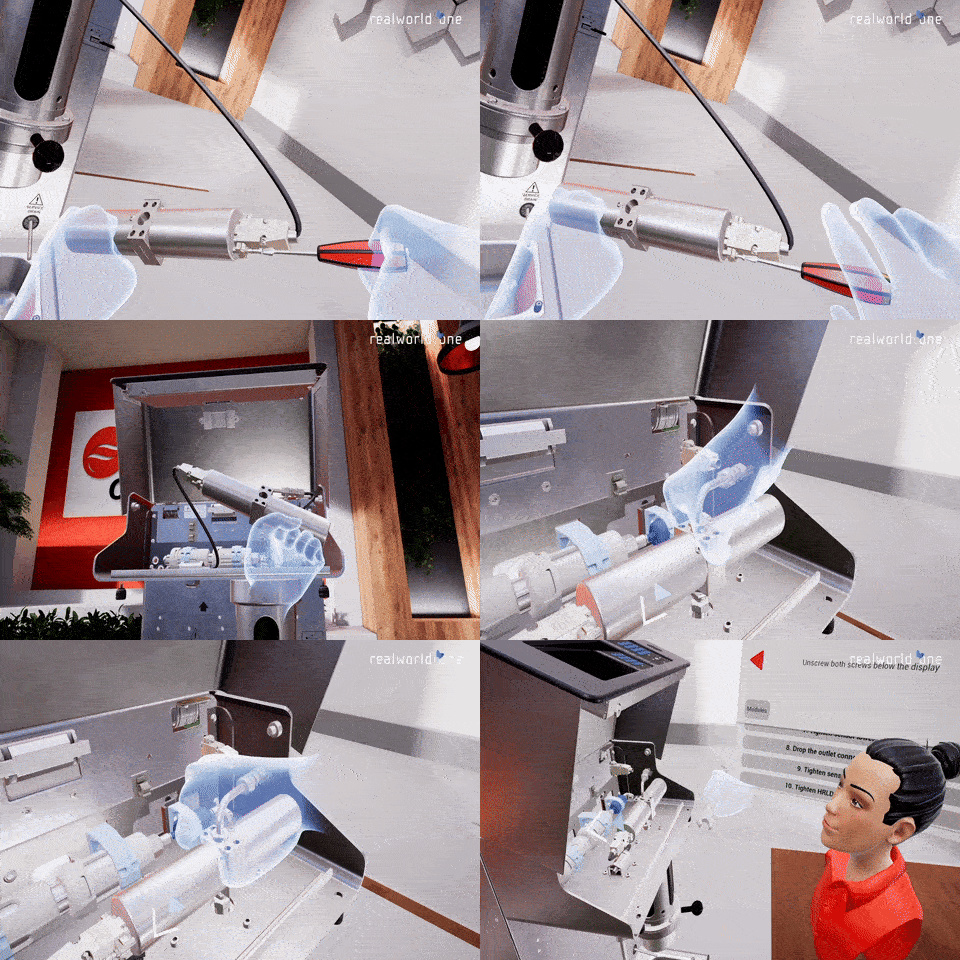
System I worked on that required the Player to complete one task in order to continue to the next one. For example, you need to screw this nut before being able to close the lid. Or clean the device before installing it again. Each of these tasks would be separated into actions and in collaboration with Producers and Designers, I would choose what made sense for each training.
Translating real life into Virtual Reality
Simple is better.
The projects I worked on required to follow the same procedure that you would follow in real life but in Virtual Reality. These brought issues because mimicking real life into a virtual world is quite complex.
In order to tackle this problem at the start of each project we would communicate with different teams such as Production, Management, Design, Engineering and Artists, take a look at the training storyline and discuss how can we make this possible.
Usually first would be “Which tools can we reuse?”, then “What is absolutely necessary to create from scratch?” and late “What can be simplify?”.
The latter was very important, for example, you could have the training to make the Player screw 20 screws, but that would create more frustration and also being a bit more performance heavy. Instead, designing a version that could allow you to screw 5 and the the other screw could be Instanced and Automatic had the same effect on the Player but more enjoyable and more performance friendly.
These 3 questions would help us in giving a good time estimate and a bonus of increasing performance in each of our projects, since we are using less heavy assets.

Check out my other Portfolio highlights

Third Person Adventure Template
Type: Personal Project
Role: Technical Designer
From: 2023 – Present
Designed and created a template with reusable and modular systems and tools with the goal of creating full videogames and improve development time.
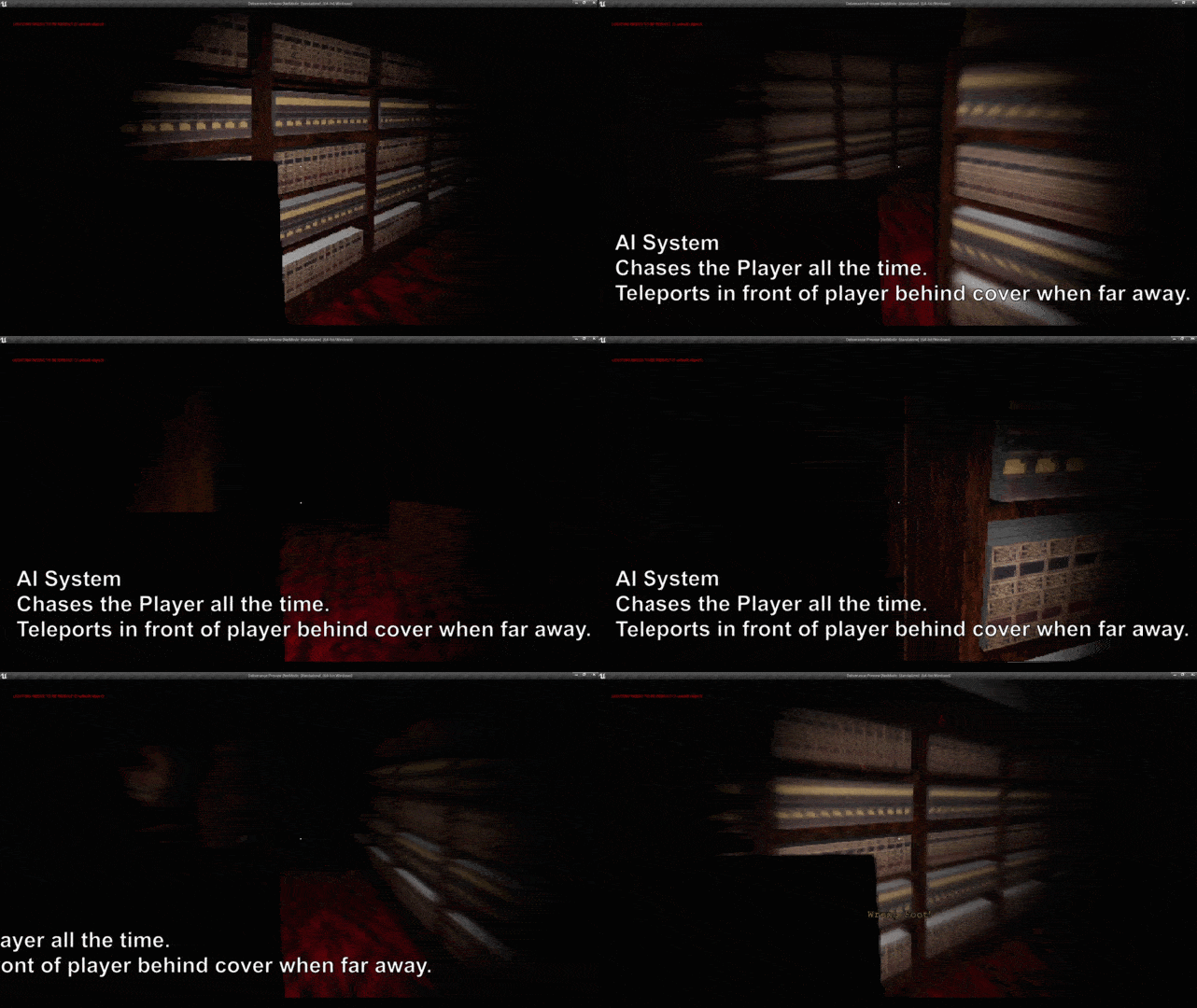
Co-designed and co-created the game called Deliverance, where the Player must deliver all books quickly while only being able to take 1 step at the time and avoid getting caught by the monster. +700 downloads.
 Leonardo Ramírez | UNREAL ENGINE TECHNICAL DESIGNER